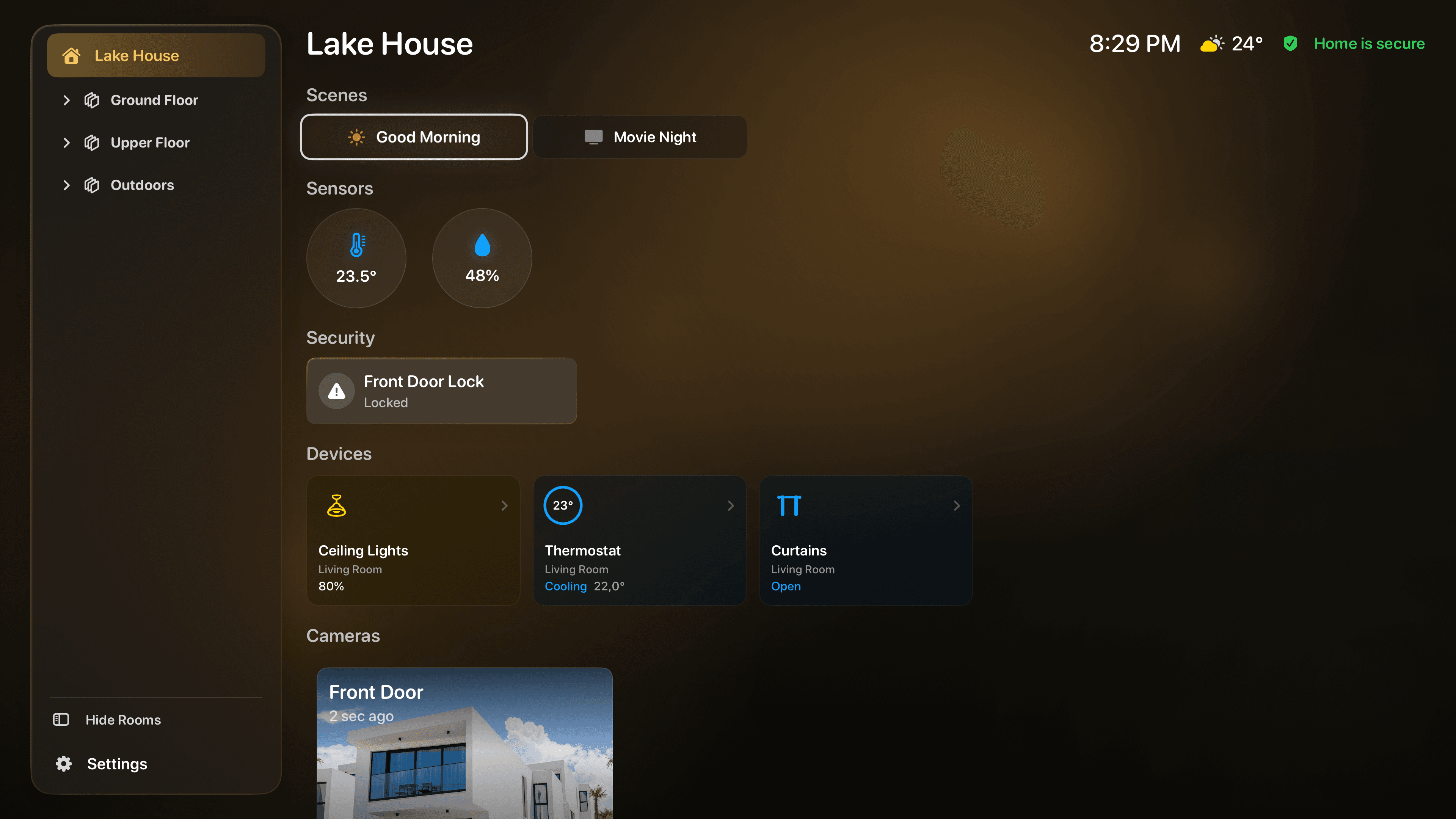
01 · Dashboard
Your whole home,
at a glance.
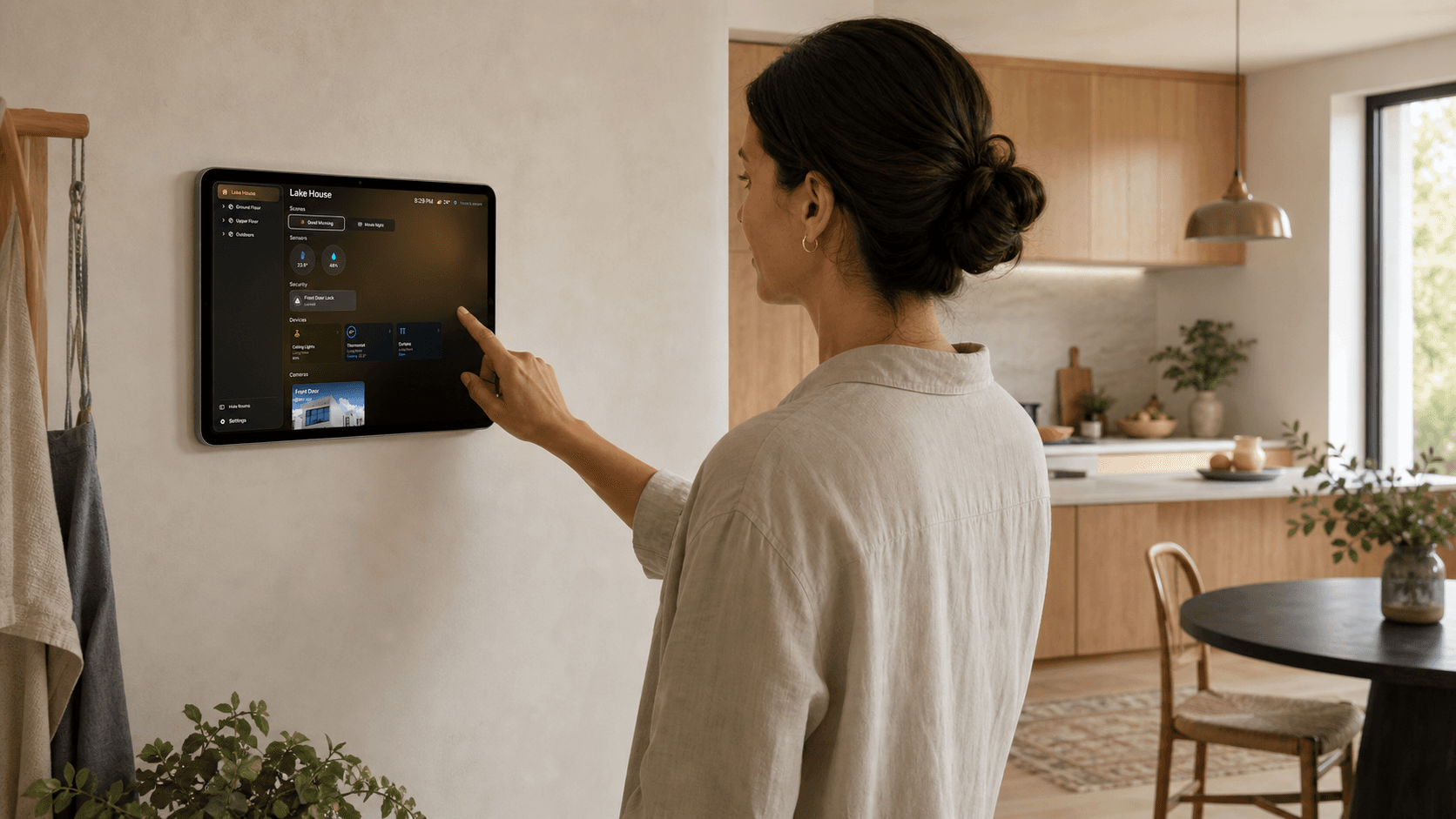
Favorite rooms, scenes, devices, sensors, cameras, and security status stay organized in one calm view.
 HomeDeck for HomeKit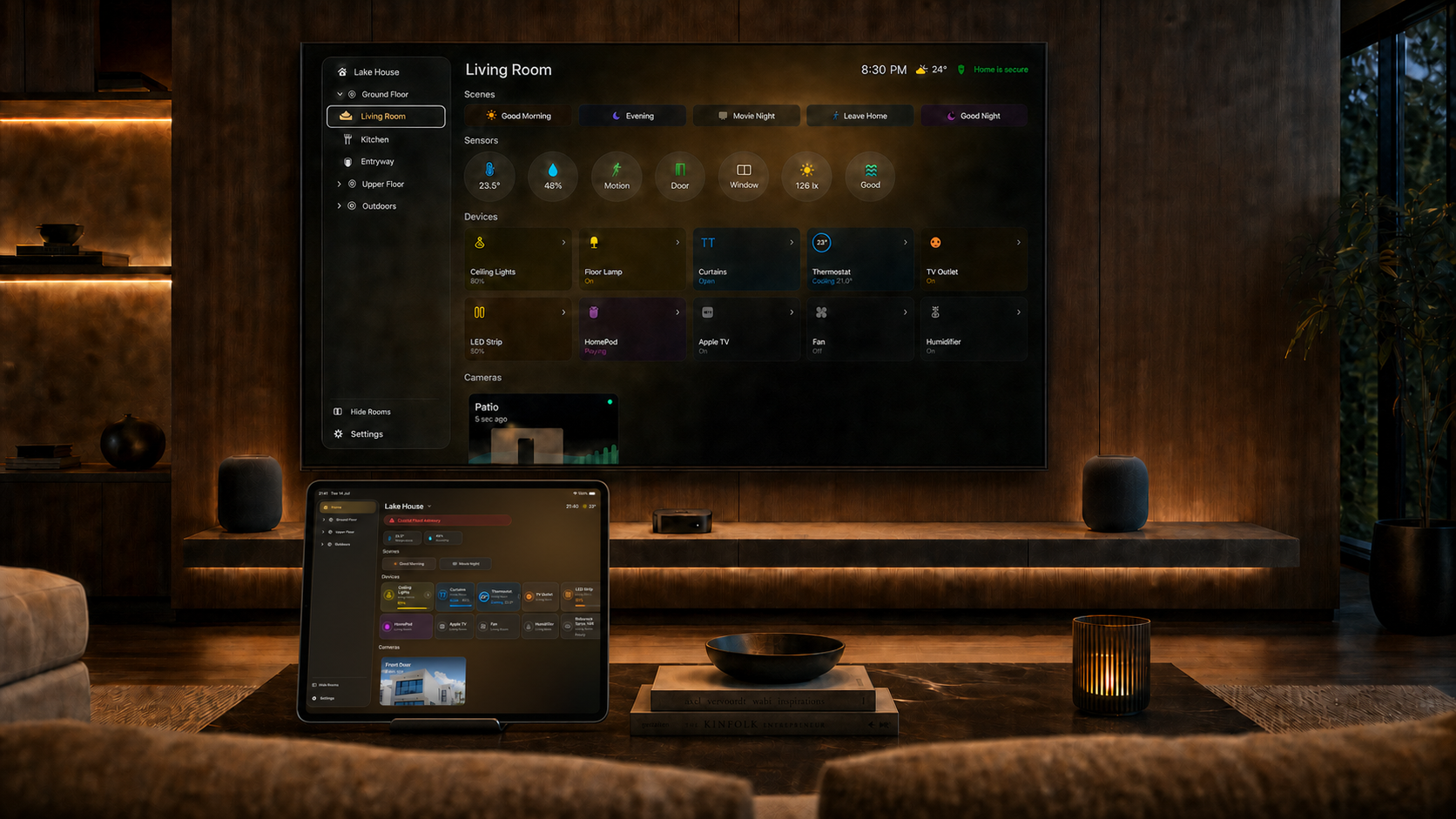
A HomeKit dashboard for iPad + Apple TV
HomeDeck turns iPad and Apple TV into a calm, beautiful dashboard for your home. Control accessories, check cameras and weather, and let Ambient mode keep the most useful information visible.
Now on iPad. The same HomeDeck experience is made for touch, so your home is close at hand as well as on the big screen.

01 / Product overview
HomeDeck brings daily control, live context, and quiet moments together across iPad and Apple TV.
01 · Dashboard
Favorite rooms, scenes, devices, sensors, cameras, and security status stay organized in one calm view.
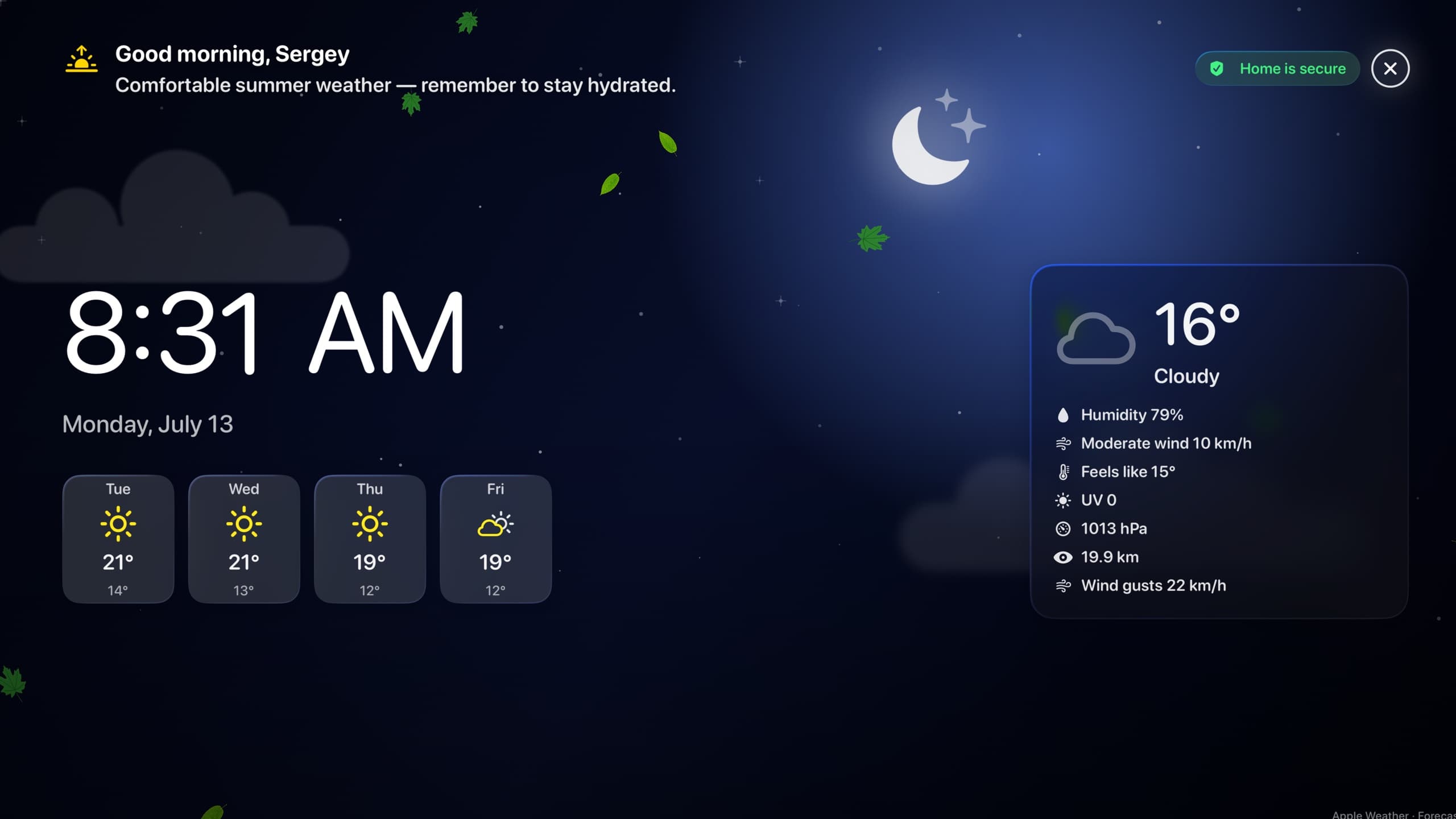
02 · Ambient
Time, weather, forecast, selected sensors, cameras, events, and Apple Music can remain visible between interactions.
Scenes, lights, outlets, RGB color, curtains, blinds, climate, fans, humidifiers, TVs, and speakers.
Live compatible cameras, full-screen viewing, HomeKit events, sensors, locks, and security state.
Choose and order what matters, switch between homes, and keep preferences synced through iCloud.
Open HomeDeck, browse rooms, run scenes, and control supported devices with native App Intents.
Touch-first on iPad, remote-first on Apple TV, and comfortable as a landscape wall panel.
No HomeDeck account, no third-party advertising SDKs, and your home data stays within Apple frameworks.
02 / HomeDeck for Apple TV
See the whole home from across the room, open scenes with the remote, or let Ambient mode keep the most useful information visible between interactions.
Requires Apple TV with tvOS 26 or later
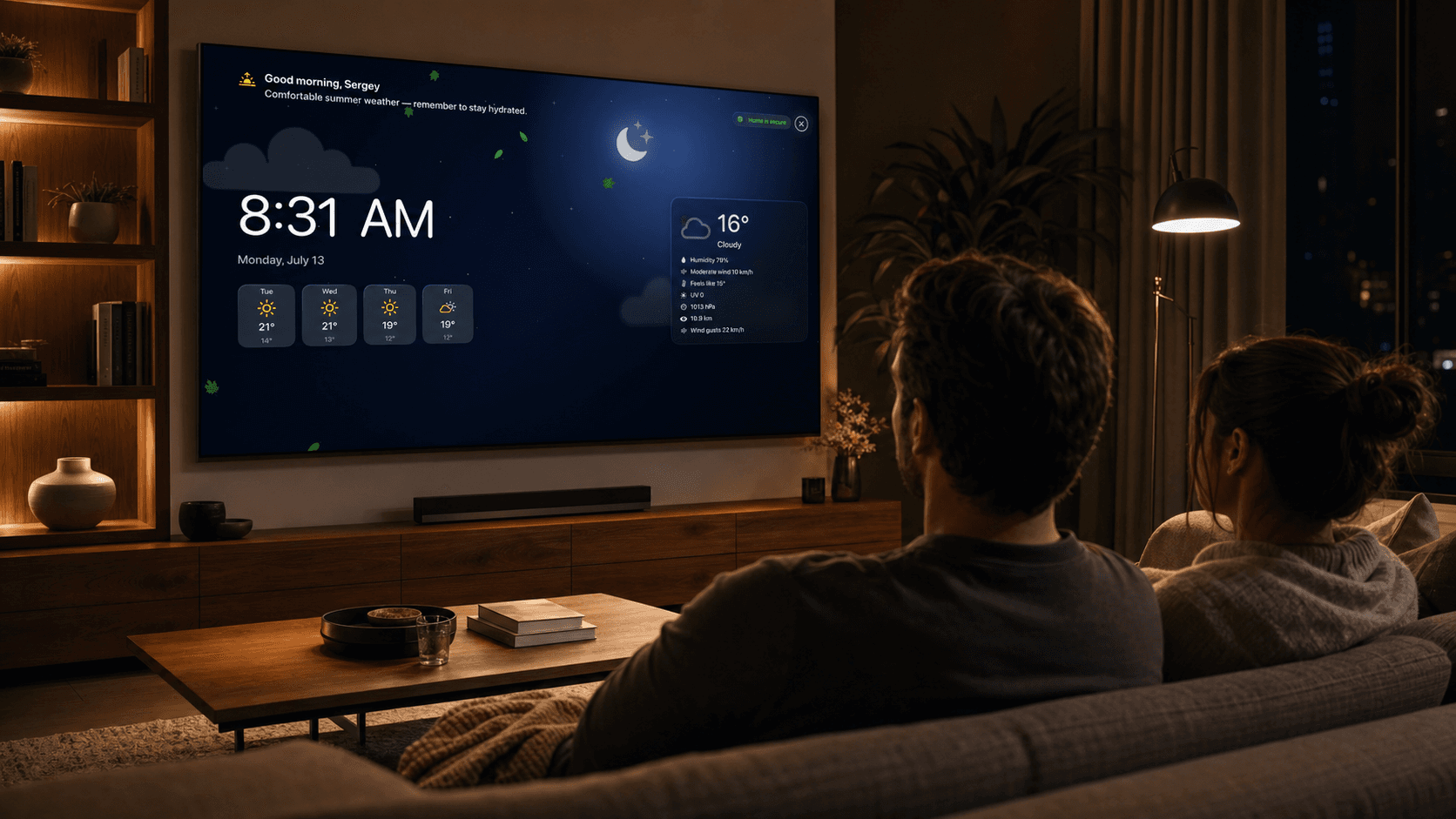
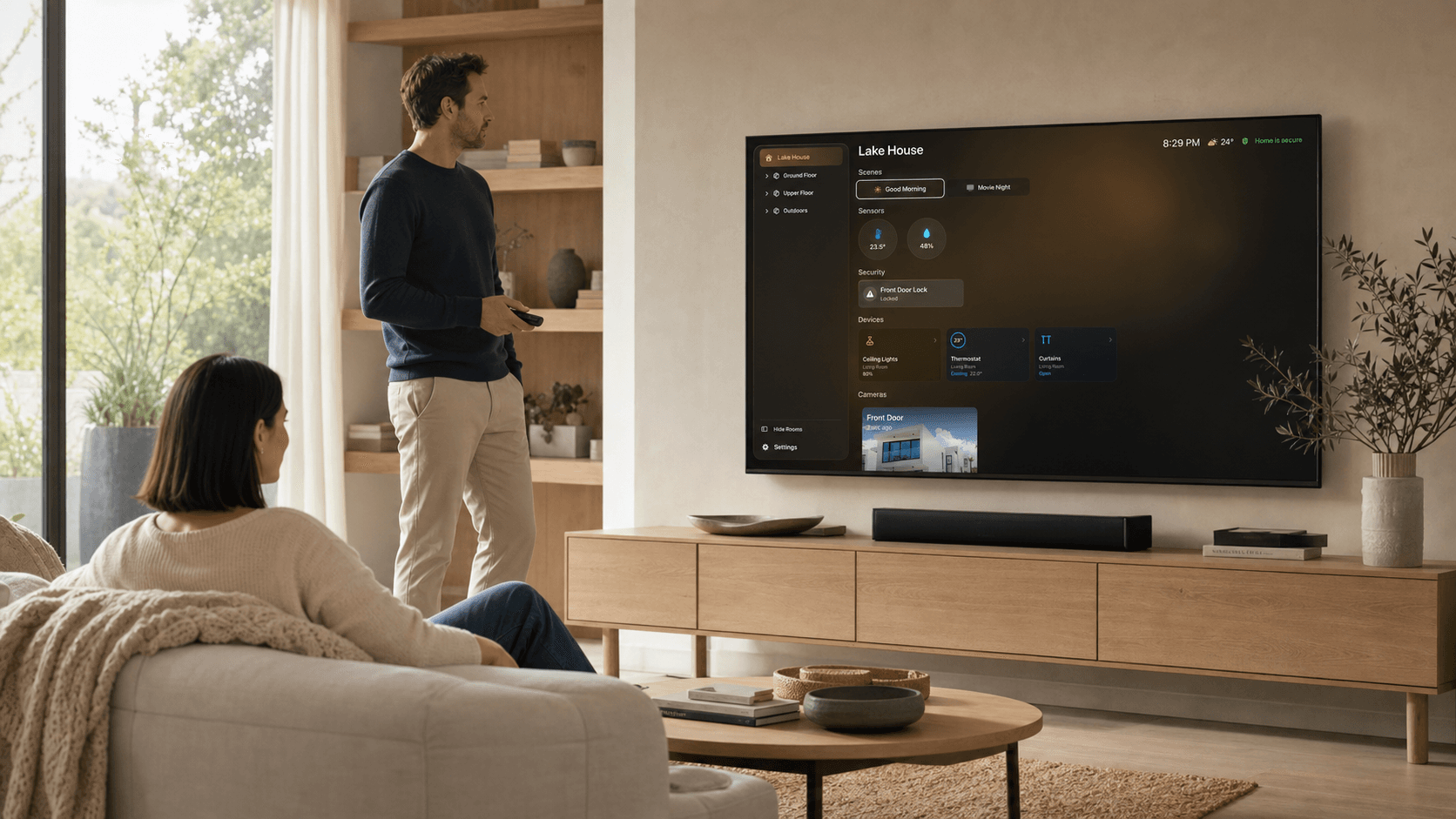
Layout, sorting, and visibility are configured on iPad and synced through iCloud. Sensitive accessories such as door locks and security systems are not available as direct controls on Apple TV because of Apple platform safeguards.
03 / HomeDeck for iPad
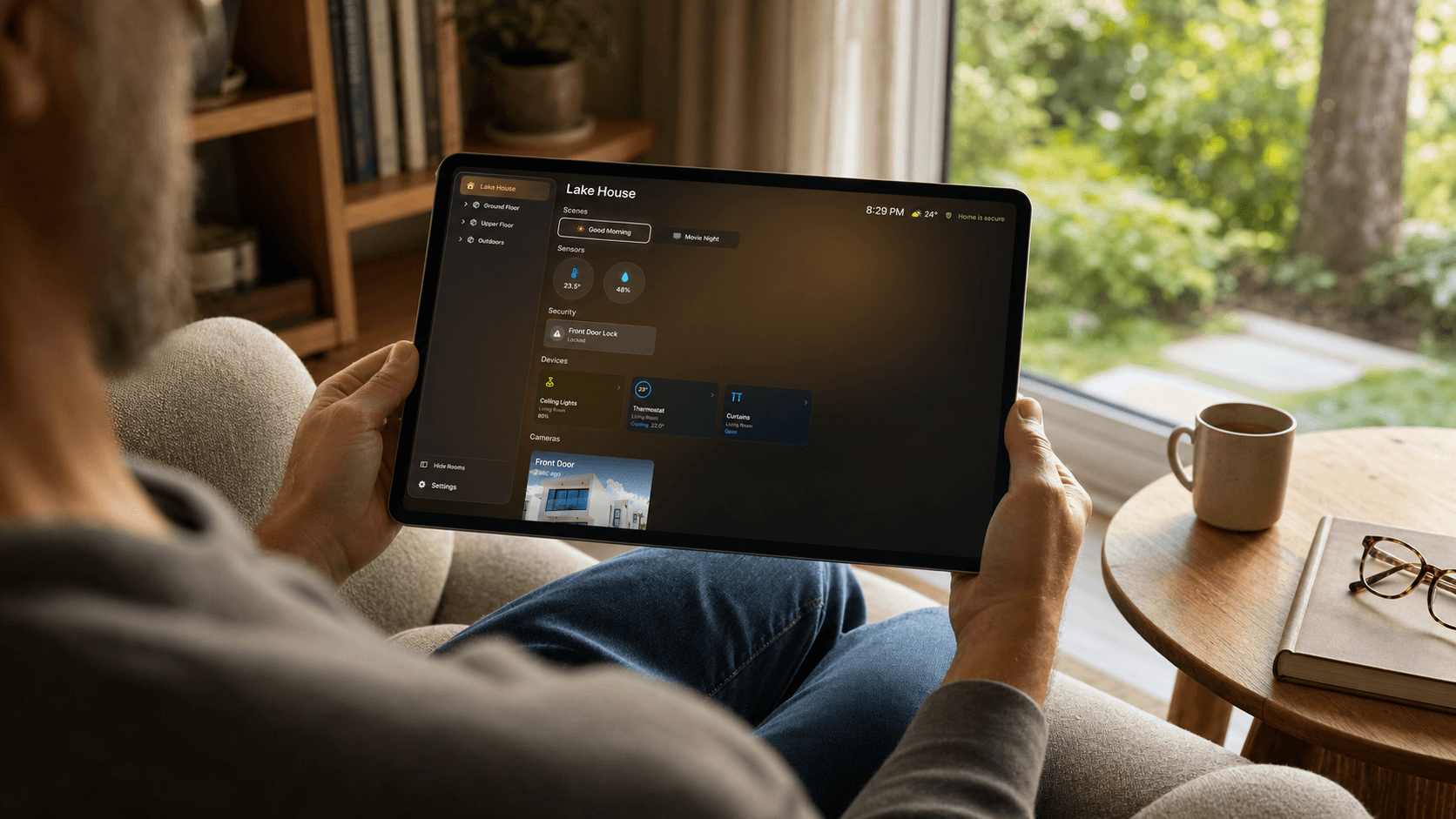
Use iPad to arrange rooms and favorites, choose what stays visible, and fine-tune the dashboard. Your preferences sync through iCloud and appear on Apple TV.
Requires iPad with iPadOS 26 or later
04 / One-time purchase
HomeDeck is available for iPad, Apple TV, or both together. Purchases are now available on the App Store. No subscription.
05 / Before you choose
Everything you need to know before choosing HomeDeck.
HomeDeck is built for iPad running iPadOS 26 or later and Apple TV running tvOS 26 or later. The Universal purchase unlocks both versions.
HomeDeck is a one-time, non-consumable App Store purchase with no subscription. Choose iPad, Apple TV, or Universal to unlock both versions.
Yes. HomeDeck is a dashboard for the homes, rooms, accessories, scenes and compatible cameras you already use in Apple Home. Available controls depend on the HomeKit accessories and permissions in your home.
Apple applies additional protection to sensitive HomeKit accessories such as door locks and security systems on Apple TV. HomeDeck follows these platform safeguards, so those accessories are not shown as direct controls there. Use Apple Home or HomeDeck on iPad when you need to manage them.
You can use Siri and Shortcuts to run HomeKit scenes, turn supported accessories on or off, and open your rooms in HomeDeck. Commands use the same HomeKit data and permissions as the app.
HomeDeck is available in English, German, French, Japanese, Korean, and Russian. It follows the language selected for your device.
HomeKit data, compatible camera feeds, location, music and preferences stay on your devices and within Apple services. HomeDeck has no third-party advertising or analytics SDKs and does not track you across apps or websites.
Read the Privacy Policy