Home controls
Reach favorite lights, climate, blinds, scenes, and other supported Apple Home accessories from one dashboard.
Turn a wall-mounted or tabletop iPad into a shared Apple Home control panel with rooms, scenes, cameras, weather, music, and the family calendar.
Free download. Access for iPad is a one-time in-app purchase with no subscription.
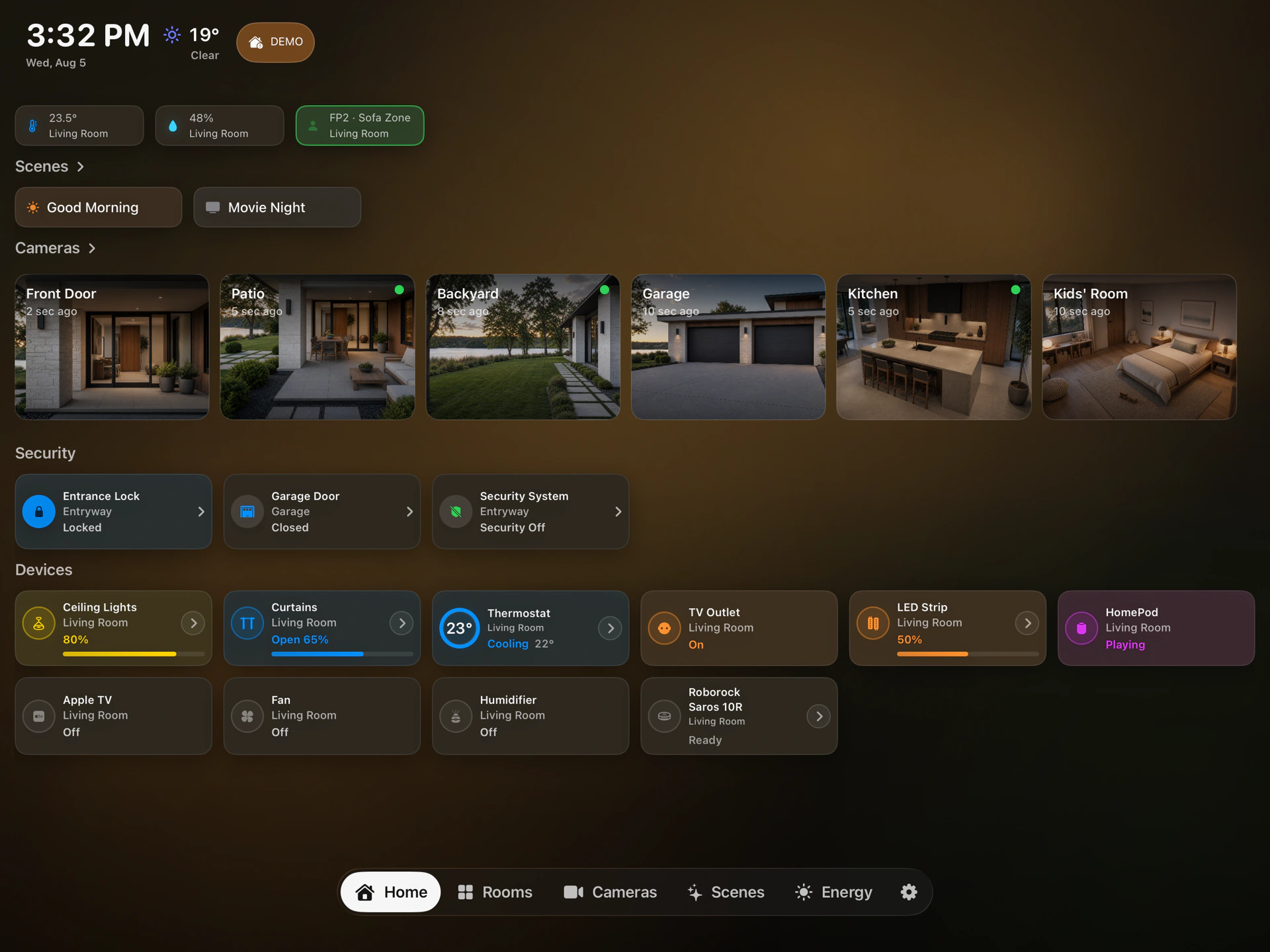
Place an iPad on a kitchen stand, desk, nightstand, or wall mount and give it a permanent role at home. HomeDeck keeps important information together without replacing Apple Home or adding another smart-home hub.
HomeDeck uses the Apple Home, calendar, weather, and media access already configured on the iPad. You stay in control of what appears on the shared screen.
Sign in on the iPad with an Apple Account that can access the intended Apple Home, rooms, scenes, and supported cameras.
Select the rooms, favorites, cameras, calendar, and ambient information that are useful to your household.
Use a stable stand or wall mount, keep controls within comfortable reach, and choose a charging setup intended for continuous use. For a dedicated display, iPadOS Guided Access can temporarily keep the device in HomeDeck.
Reach favorite lights, climate, blinds, scenes, and other supported Apple Home accessories from one dashboard.
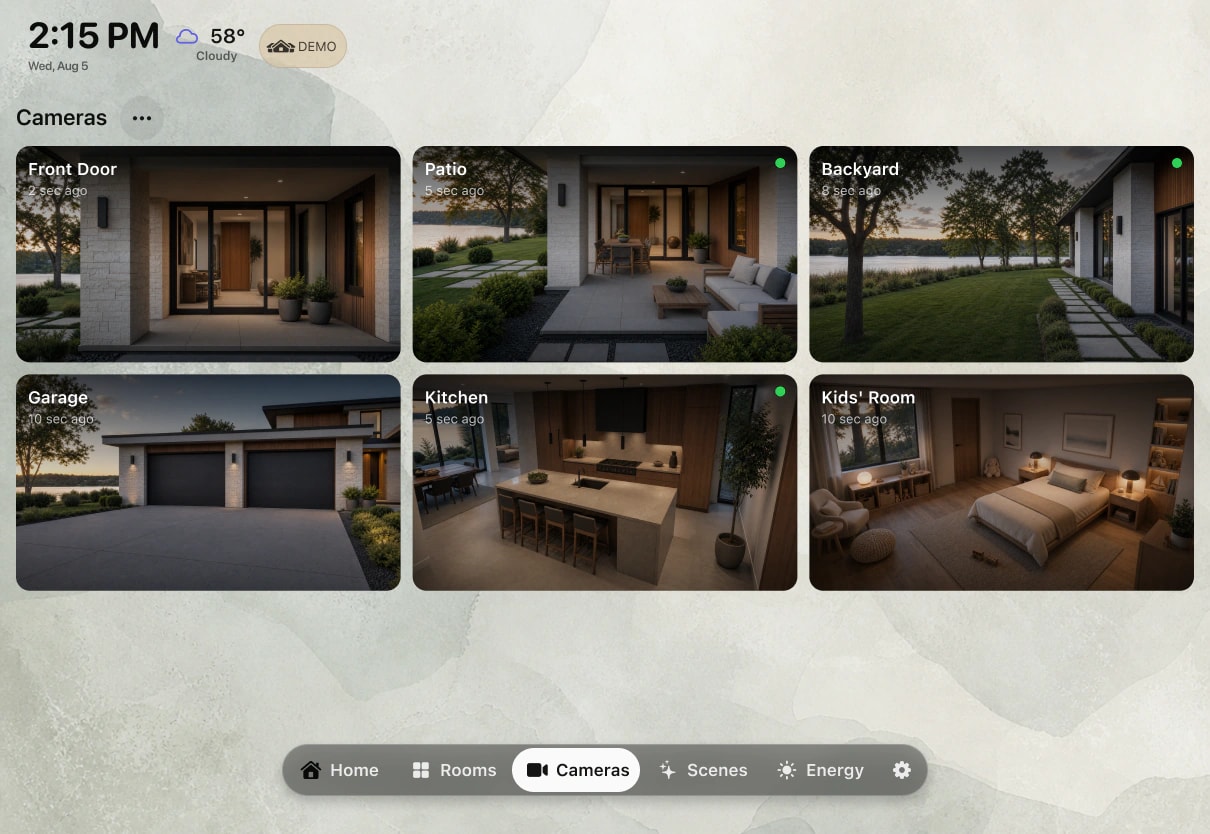
Check supported HomeKit cameras alongside the rooms and controls that matter to your household.
Show shared iCloud calendar events where everyone can see the day ahead without opening another app.
Give an idle iPad a useful, calm view of time, weather, favorite accessories, and cameras.
HomeDeck adapts from a close-up control panel to an at-a-glance family display, with layouts built for iPad rather than stretched from a phone.
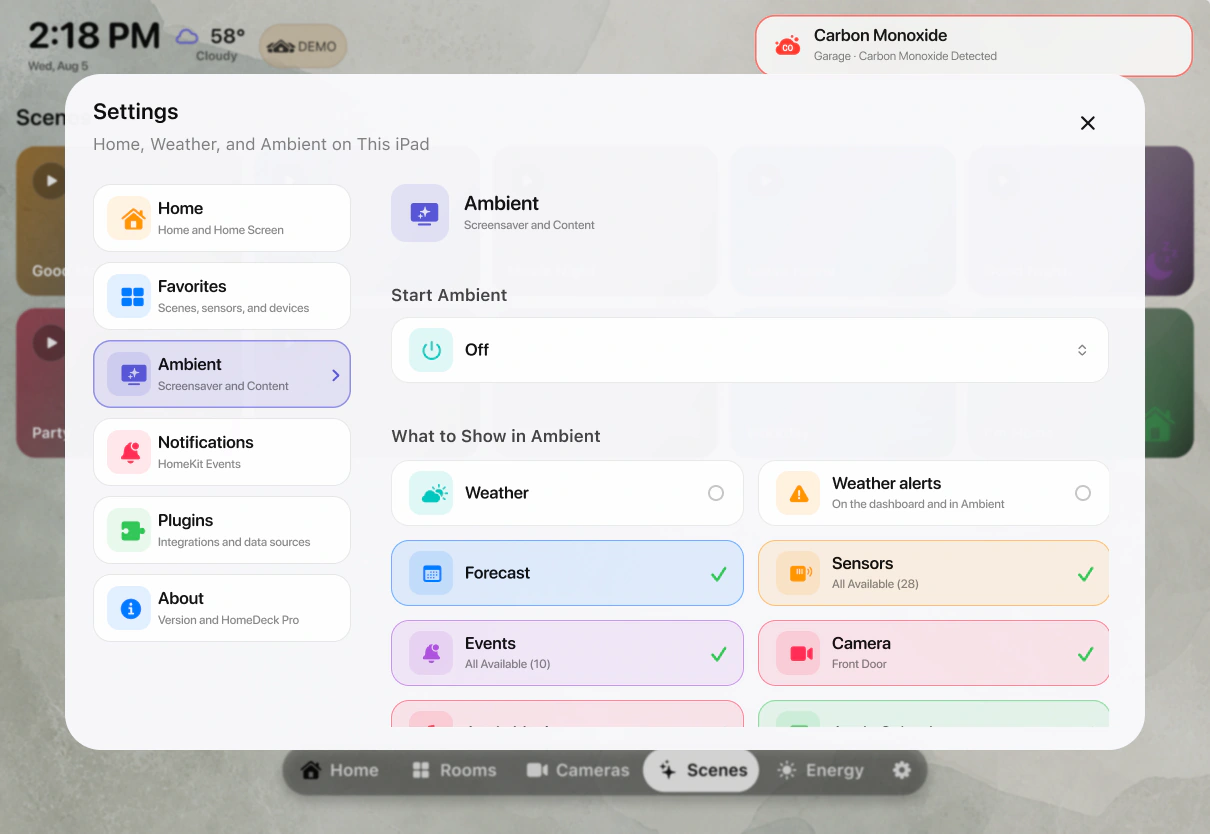
Keep the family calendar, weather, and everyday home controls visible in the busiest room.
Use a mounted iPad as a dedicated control point for rooms, scenes, and cameras.
Let ambient mode surface useful home information when you are not actively controlling accessories.
HomeDeck for iPad requires iPadOS 18 or later and an Apple Home setup. Available features depend on the accessories, services, permissions, and accounts configured on the device.
New on the App Store
HomeDeck is new on the App Store, so there are only a few reviews so far. We read every one and improve the app with each release.
Apple’s App Privacy label confirms that HomeDeck does not collect your data.
No subscription and no recurring charge.
Designed separately for touch on iPad and the remote on Apple TV.
Install HomeDeck, allow access to the Apple Home you already use, choose the rooms, scenes, cameras, and calendar you want to show, then place the iPad on a stand or secure wall mount.
No. HomeDeck works with your existing Apple Home setup and does not add a new hub requirement. Remote access and automations continue to follow Apple Home requirements.
Yes. The interface is suitable for a mounted iPad as well as a stand, desk, or bedside setup. Choose a safe power and mounting solution for your device.
HomeDeck can show supported HomeKit cameras, rooms, favorites, and scenes when they are available to the signed-in Apple Home user.
Bring the calendar and smart home together in a dashboard the whole household can use.