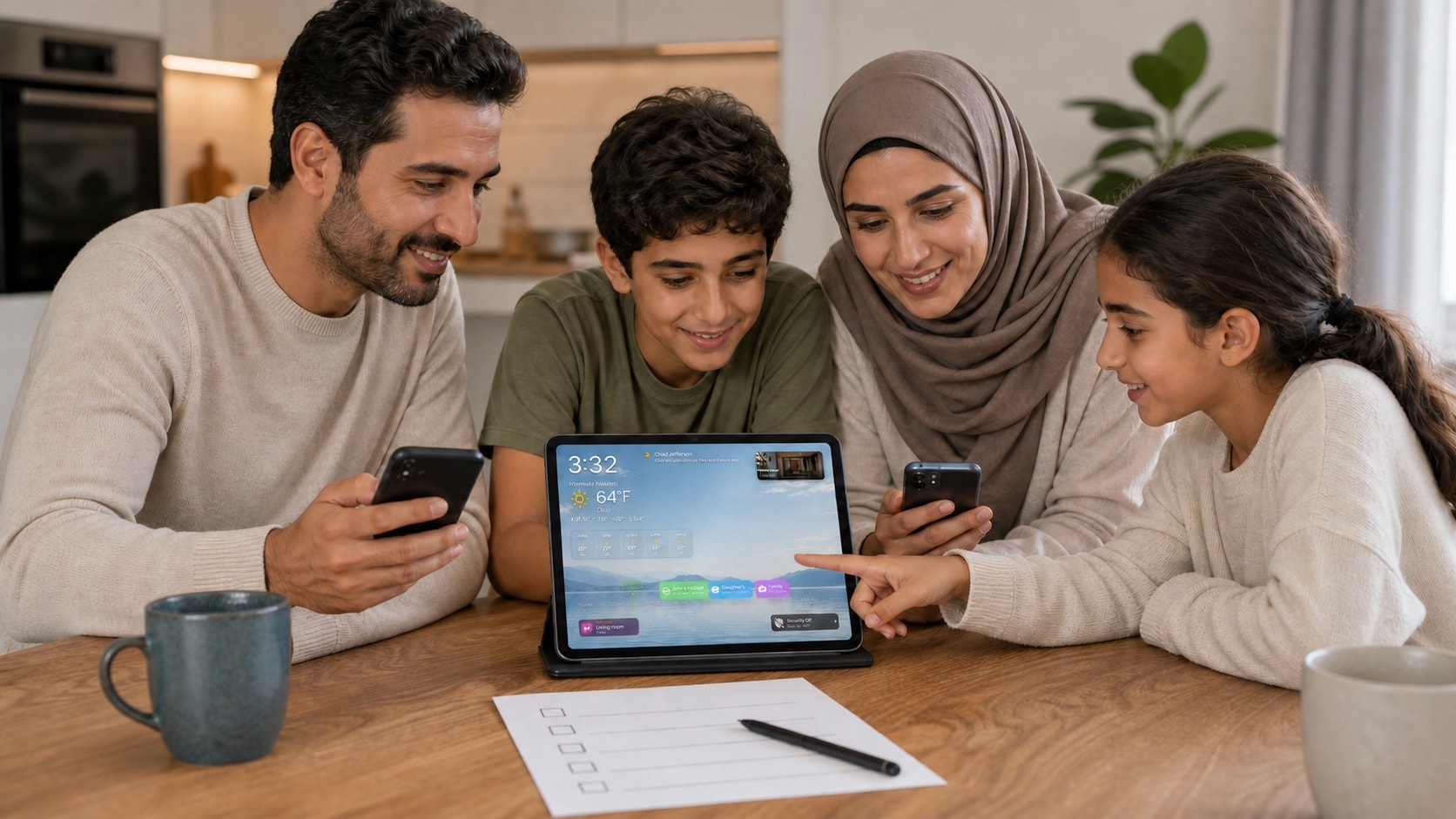
1. Create a calendar for household commitments
Keep the shared calendar focused on plans that affect more than one person: school, appointments, travel, visitors, deliveries, and family activities. Personal reminders and private notes belong elsewhere.
Give the calendar a short, unambiguous name that everyone recognises on a wall display.
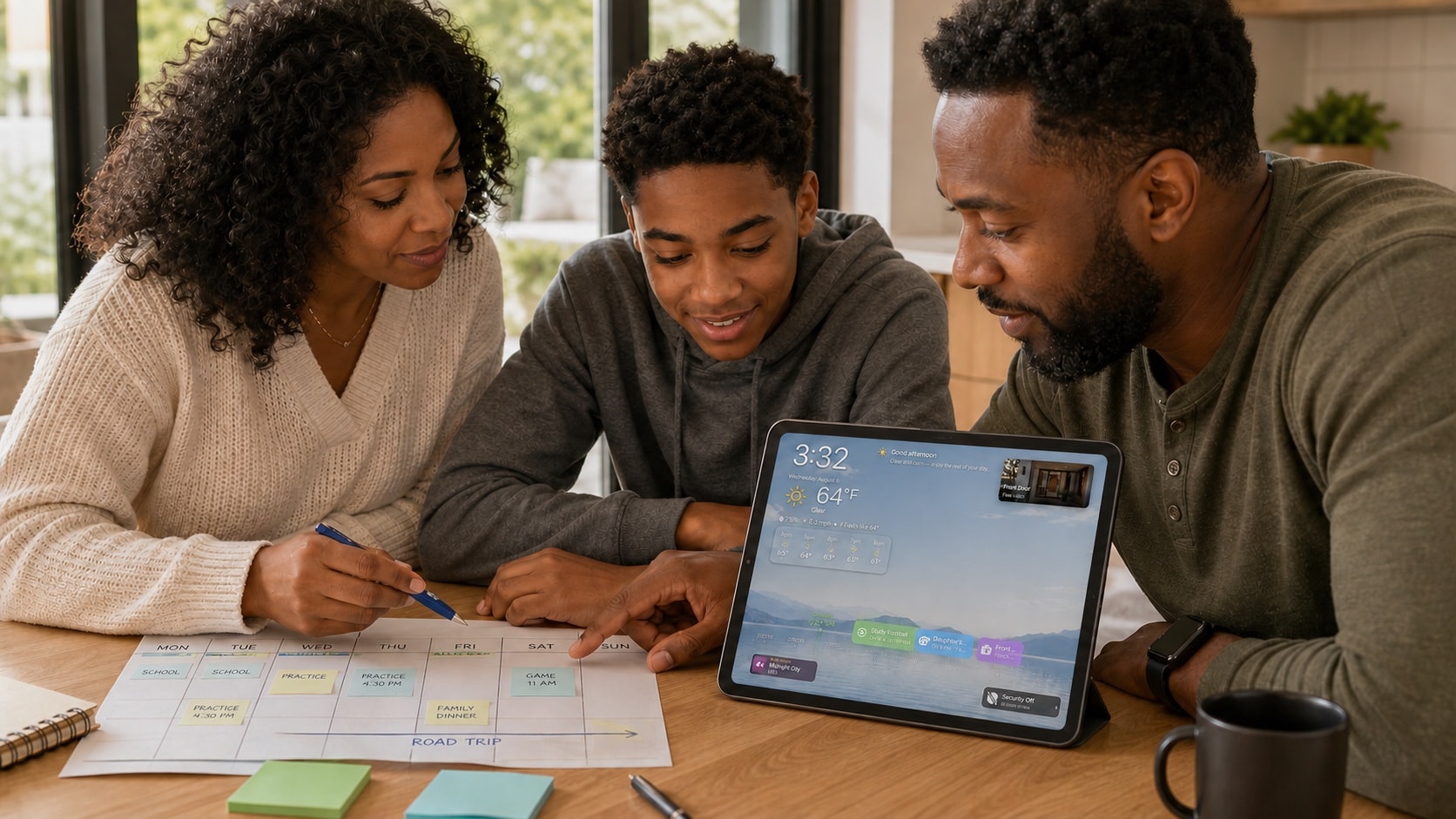
2. Share it privately through iCloud
The calendar owner can invite people who use an Apple Account and iCloud. Give edit access to people who maintain the schedule; choose read-only access for anyone who only needs to follow it.
Do not publish a family calendar on the web merely to make sharing easier. Private iCloud sharing keeps the participant list and permissions explicit.
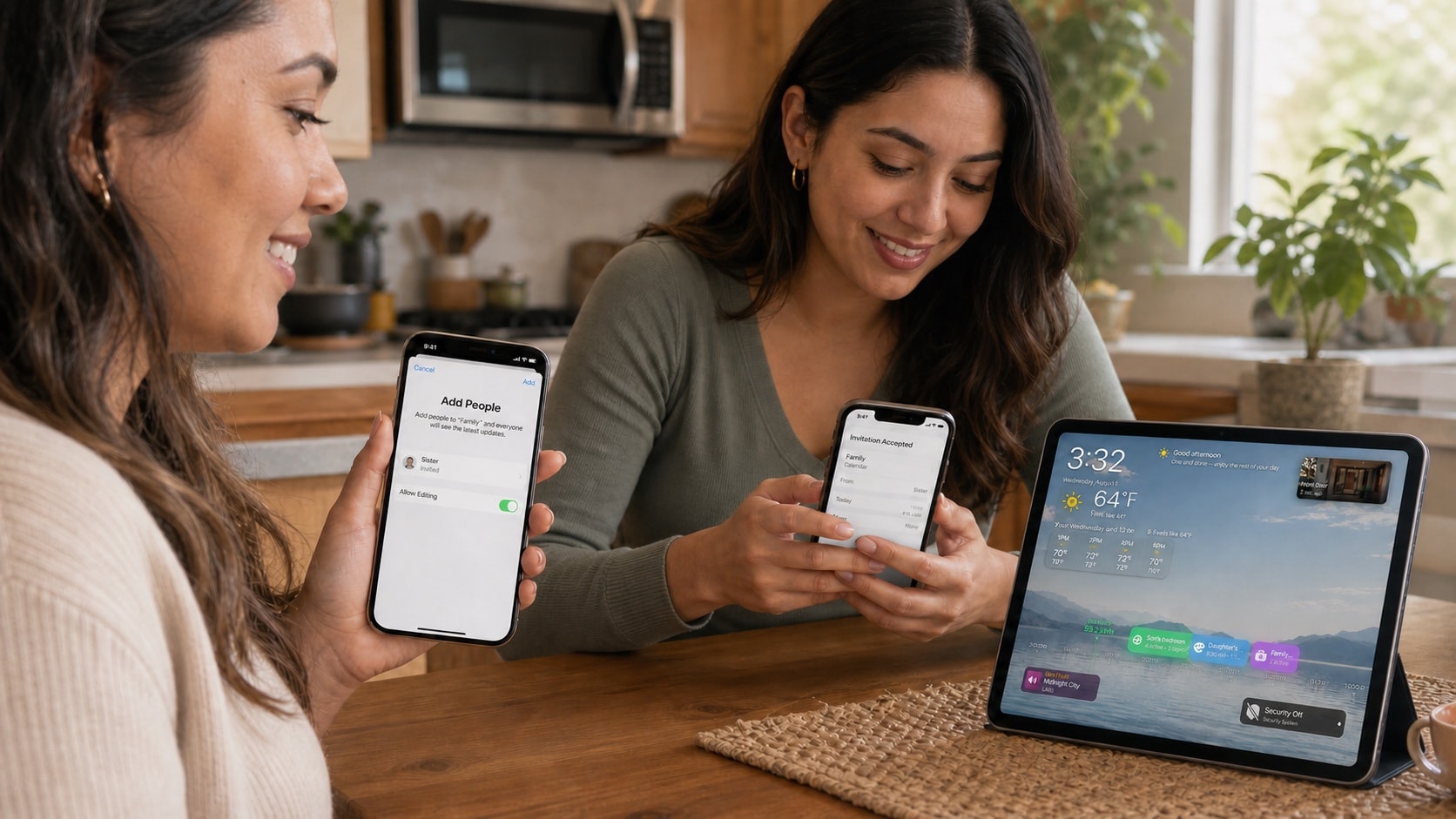
3. Make events readable at a glance
Use short titles, reliable start and end times, and locations only when they help the household act. Avoid putting confidential details into titles because those titles may appear on a shared screen.
Agree on a small number of calendars or colours instead of inventing a complicated category system no one maintains.
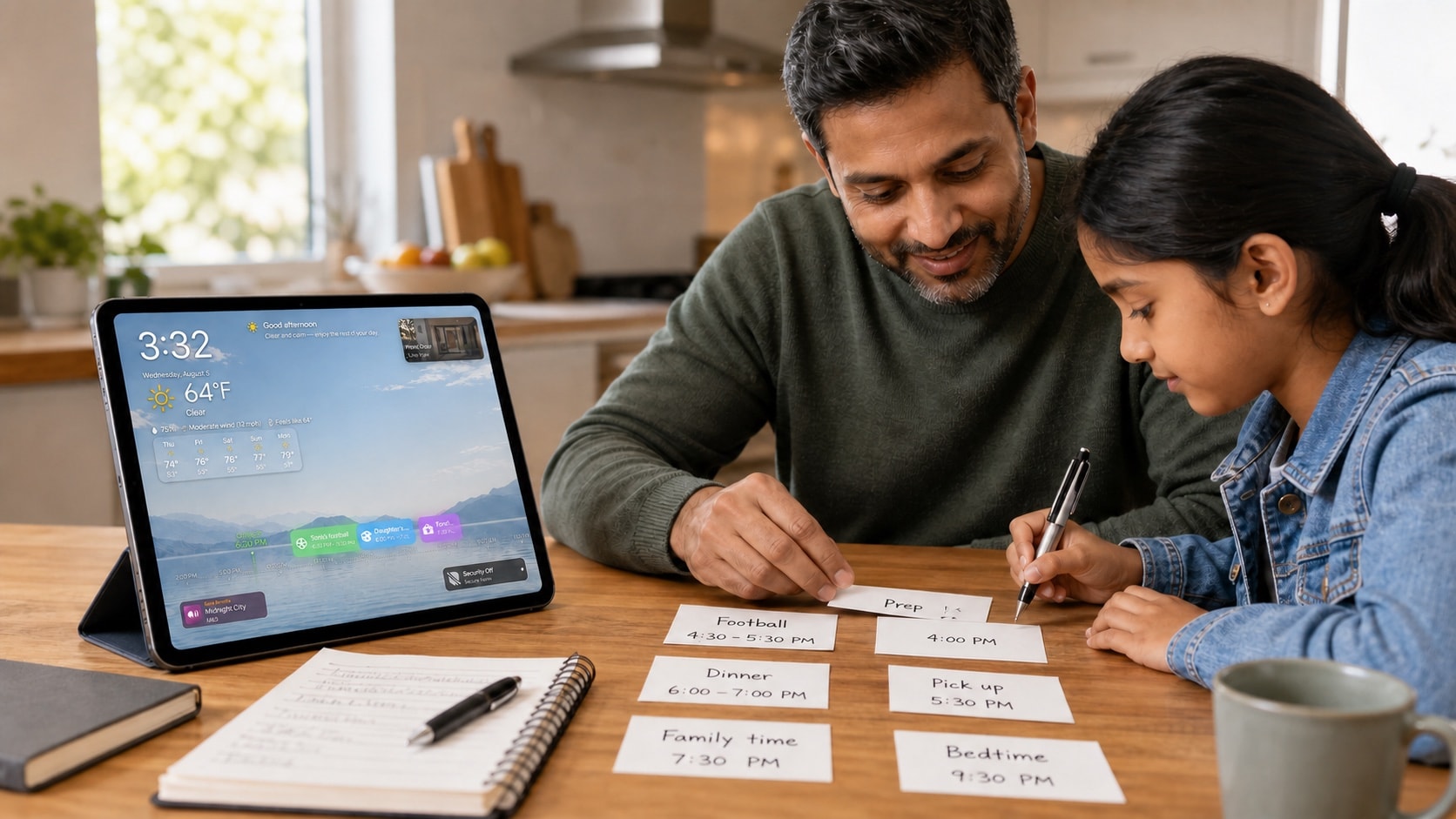
4. Show the calendar in HomeDeck
Allow the required calendar access on the iPad, then select the shared calendar in HomeDeck. Confirm that new and edited events appear and that unrelated personal calendars remain hidden.
Check the same routine on Apple TV if the household uses both screens. The television should summarise the schedule; detailed editing remains in Apple Calendar on a personal device.
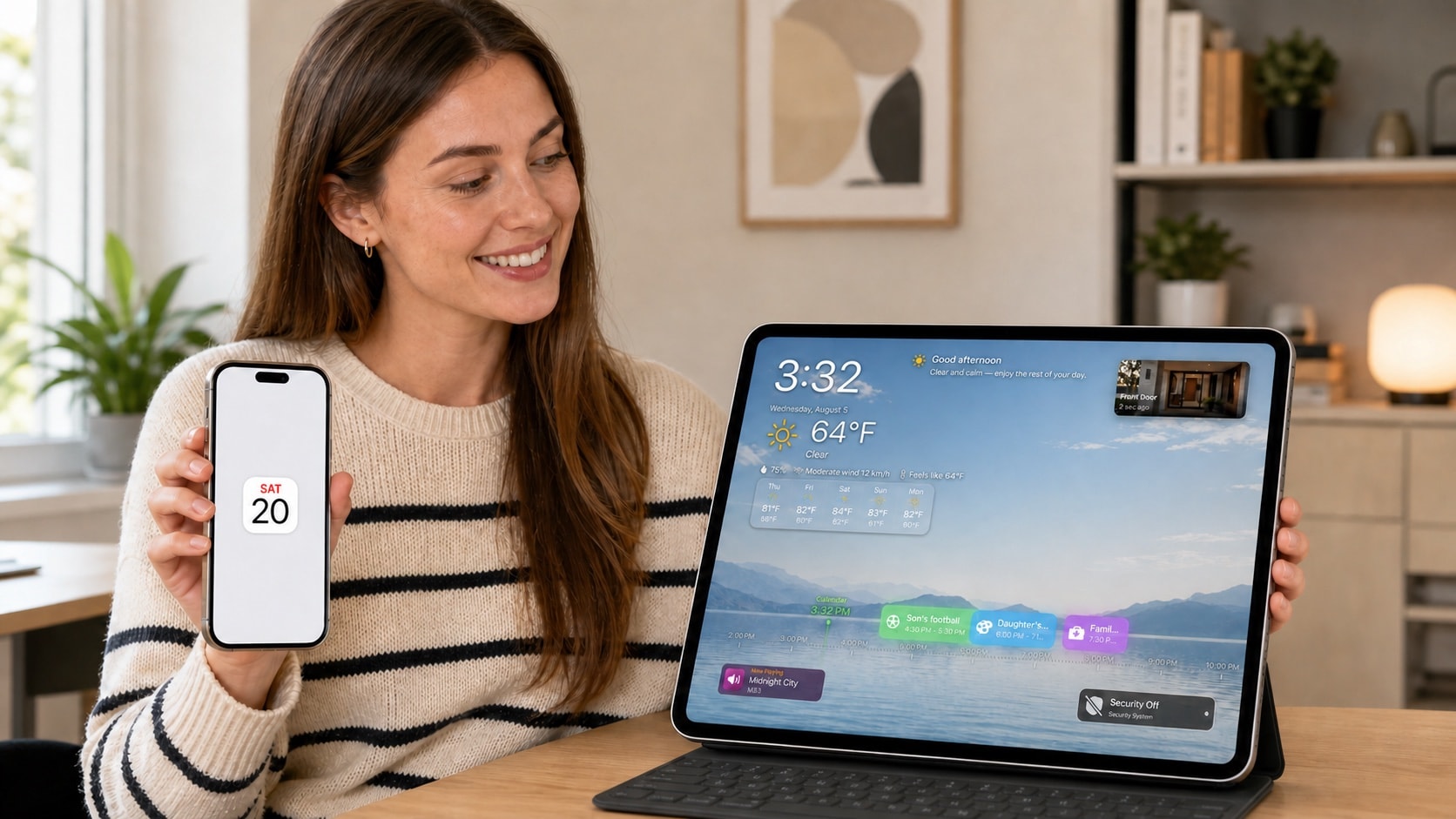
5. Test one full week
Ask each participant to add, change, and remove a test event. Confirm time zones, recurring events, alerts, and the names shown on the shared display.
After a week, remove categories nobody used and fix vague titles. A small calendar that stays current is more useful than an elaborate one the family stops trusting.